
Home / Tools / Wi-Fi Setup Guide
Step-by-step guide
How to Connect Your Mini Split to Wi-Fi and Alexa
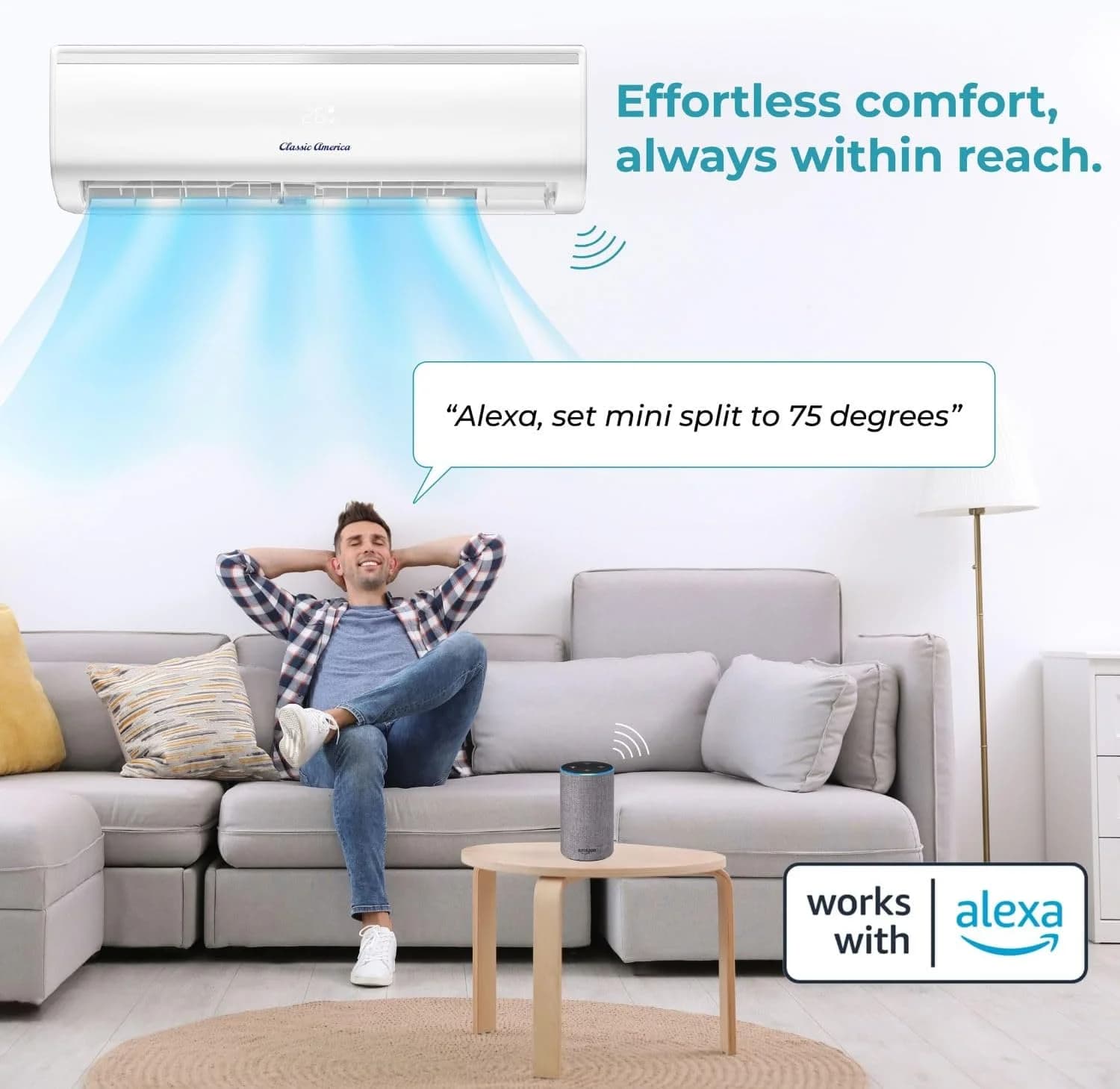
Classic America's Wi-Fi mini splits work with the Tuya Smart app and Amazon Alexa, alongside the included remote. Follow the steps, check each one off, and use the fixes below if pairing stalls.
- Tuya Smart app
- Amazon Alexa
- No hub required
I am connecting a
0 of 6 steps done
- Use a 2.4 GHz network. If your router shows one name for both bands, turn on a separate 2.4 GHz name for setup.
- Connect your phone to that same network.
- Turn on Bluetooth and location, and pause any VPN.
- Stand within a few feet of the indoor unit with your Wi-Fi password ready.
Questions
Mini split not connecting to Wi-Fi?
The app cannot find my unit
Restart pairing mode on the unit, since it times out after a few minutes. Confirm your phone is on the 2.4 GHz network, Bluetooth and location are on and the app is allowed to use them. Then pair with your phone right next to the unit.
Pairing fails at the password step
Retype the password; it is case sensitive. Networks that need a sign-in page, like hotel or guest Wi-Fi, will not work. Very long network names or unusual symbols in the password can also cause trouble.
It connected, then went offline
Usually the router restarted, changed channel or the signal at the unit is weak. Restart the router and switch the unit off and on. If it keeps dropping, move the router or add a mesh point near the room.
I changed my router or Wi-Fi password
Remove the device in the app and pair again from the pairing mode step with the new details.
Alexa cannot find the unit
Make sure it works in the app first. Then disable and re-enable the skill, sign in with the same account and run Discover devices again.
The display shows a code instead of connecting
Look it up in the error code lookup, which covers every code with the meaning and the fix.
My remote is lost or broken
Once paired, the app does everything the remote does. Replacement universal remotes are in accessories.
In the app
What you can do once it is connected
The Tuya Smart app, Amazon Alexa and the included remote all control the same unit, so use whichever is closest. Still choosing a system? Every mini split is WiFi and Alexa ready, and so is every window AC.
- Control from anywhereSwitch between Auto, Cool, Heat, Dry and Fan, and change the set temperature from your phone, at home or away.
- SchedulesCool the bedroom before bed or warm the office before work, and turn everything off when the house is empty.
- Voice with AlexaName each unit by room and control it by voice, alone or as part of an Alexa routine.
From the blog
Smart app reading from the blog
Once the unit is on your Wi-Fi, these show what to do with it: zones, schedules, voice control and home automation.
 Start here
4 min readFeb 8th 2025
How to Use the Tuya Smart App with a Classic America Mini Split to Save on Electricity
Schedules, geofencing and eco mode in the Tuya Smart app, set up to lower your electricity use.
Read the article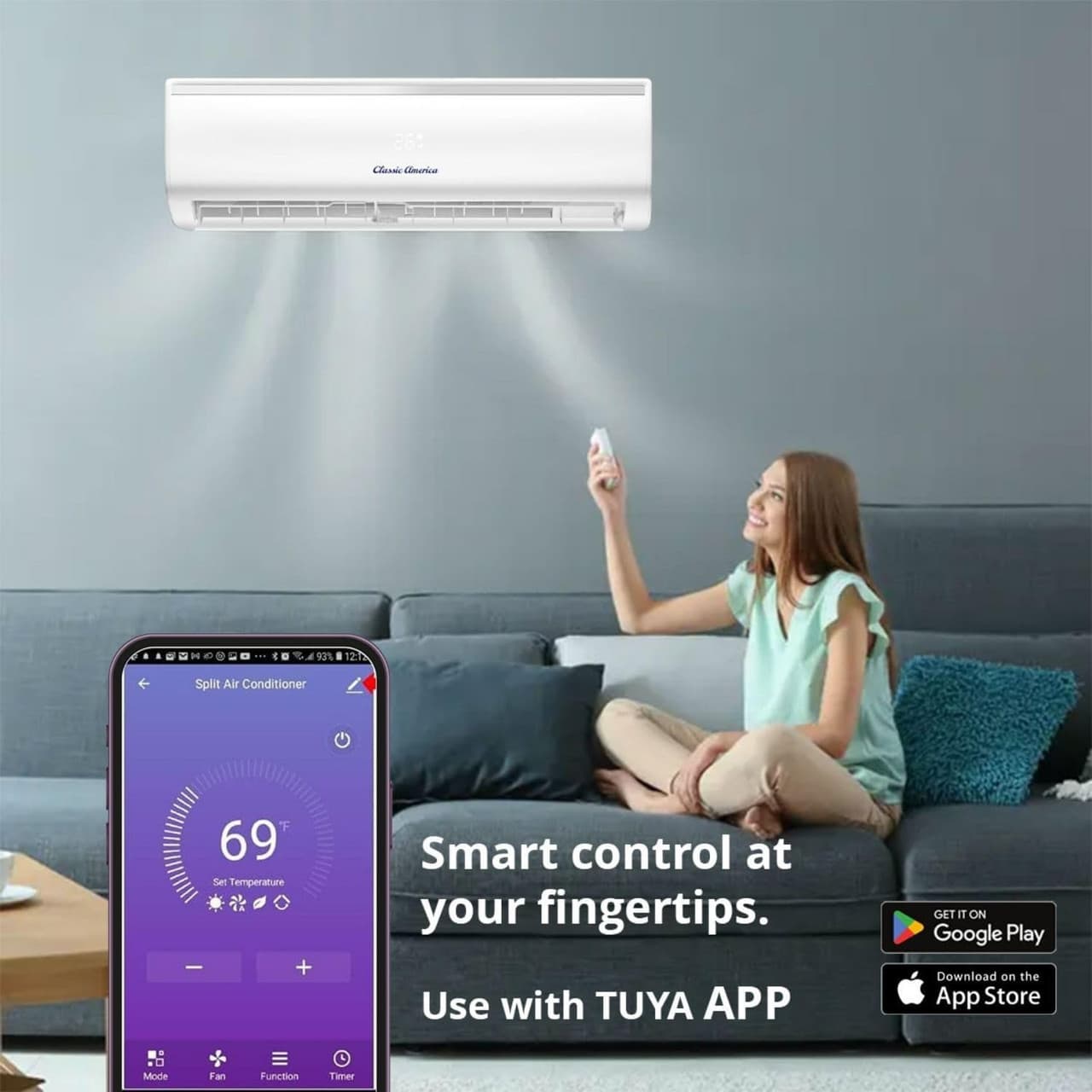 2
25 min readMay 29th 2025
Create the Perfect Zoned Climate: Controlling Multiple Classic America Mini Splits with the Tuya AppSeveral units in one home? Group them into zones and give each its own temperature and schedule.- 3
2 min readMay 15th 2025
How to Control Your Classic America Mini Split with Home Assistant and the Tuya AppBring your mini split into Home Assistant for automations beyond what the app offers. - 4
2 min readMay 22nd 2025
How to Use the Tuya App to Control Your Classic America Mini Split and Central HVAC for Smarter Climate ManagementRun a mini split alongside central HVAC and let each handle what it does best.
Keep going
More help
Guides and support