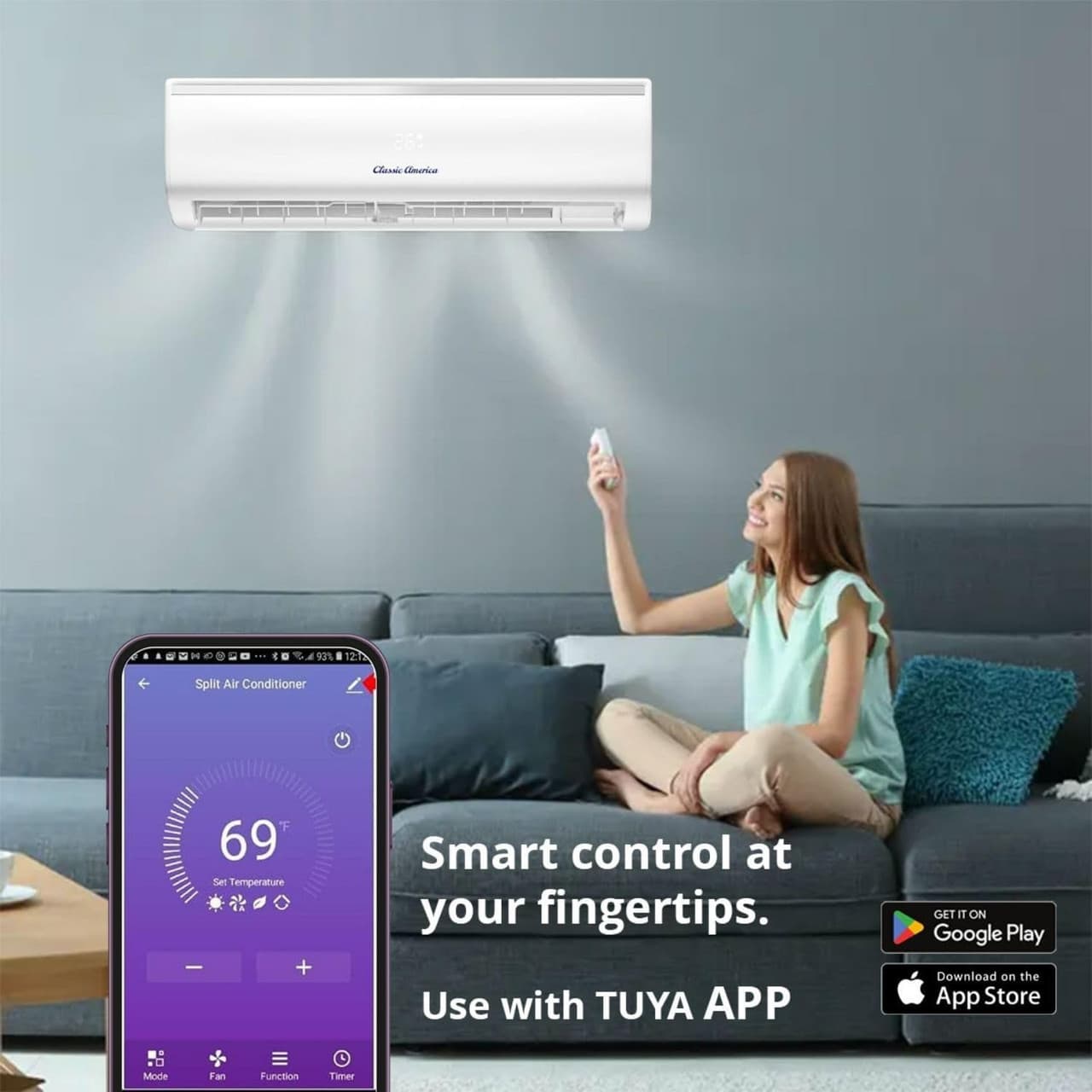
Enhancing Your Classic America Mini Split Experience with Tuya Smart App
James S. · Jan 18th 2025
If you're looking for a seamless and efficient way to control your Classic America mini split, the Tuya Smart App is the perfect solution. With remote access, smart scheduling, and energy-saving autom…
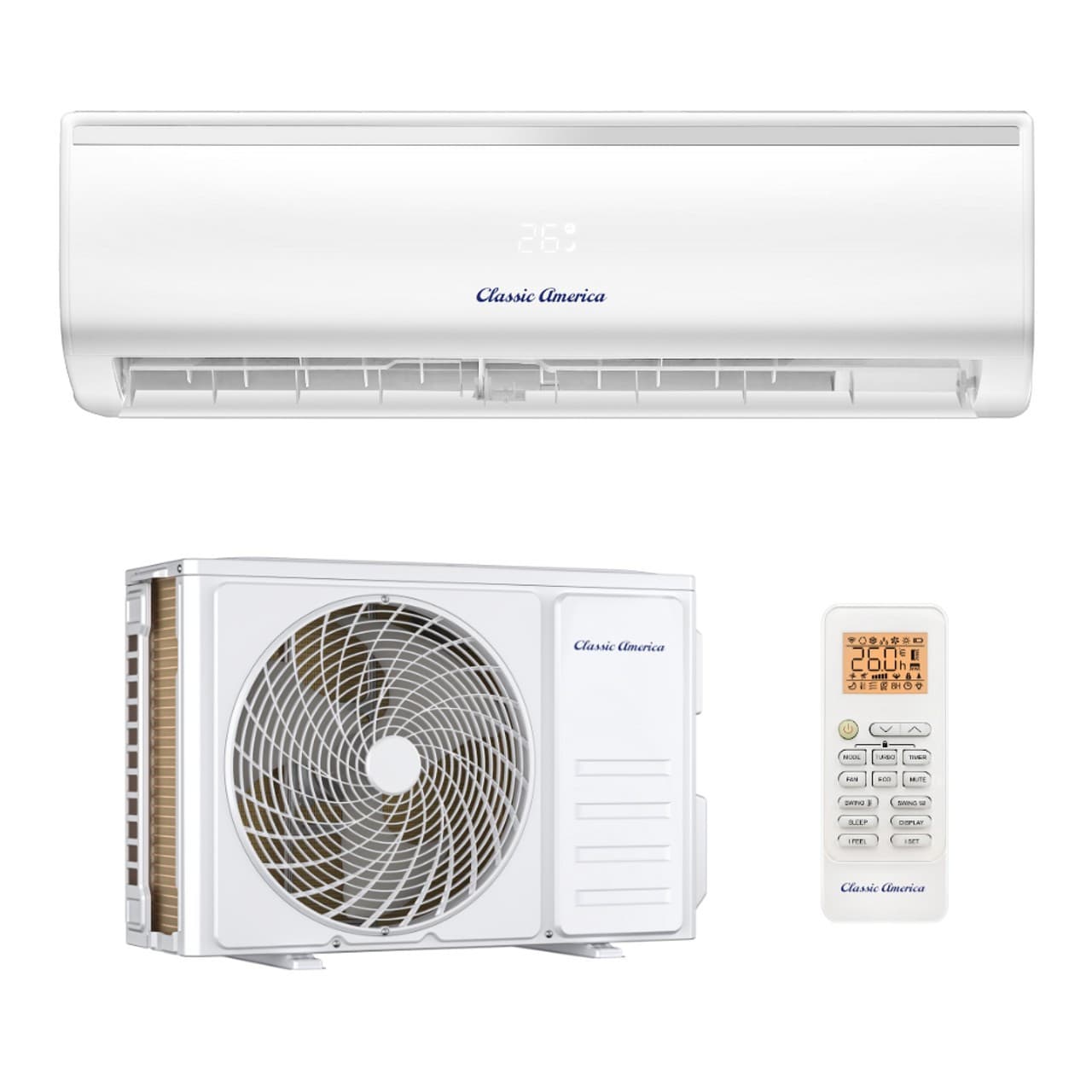
If you're looking for a seamless and efficient way to control your Classic America mini split, the Tuya Smart App is the perfect solution. With remote access, smart scheduling, and energy-saving automation, Tuya makes managing your mini split easier than ever.
To help you get started, we've created a detailed video guide, available on Amazon, that walks you through the setup process, key features, and best practices for using Tuya with your Classic America mini split. Alongside the video, our landing page provides all the information you need to connect, optimize, and maximize energy savings with your mini split.
View our Video